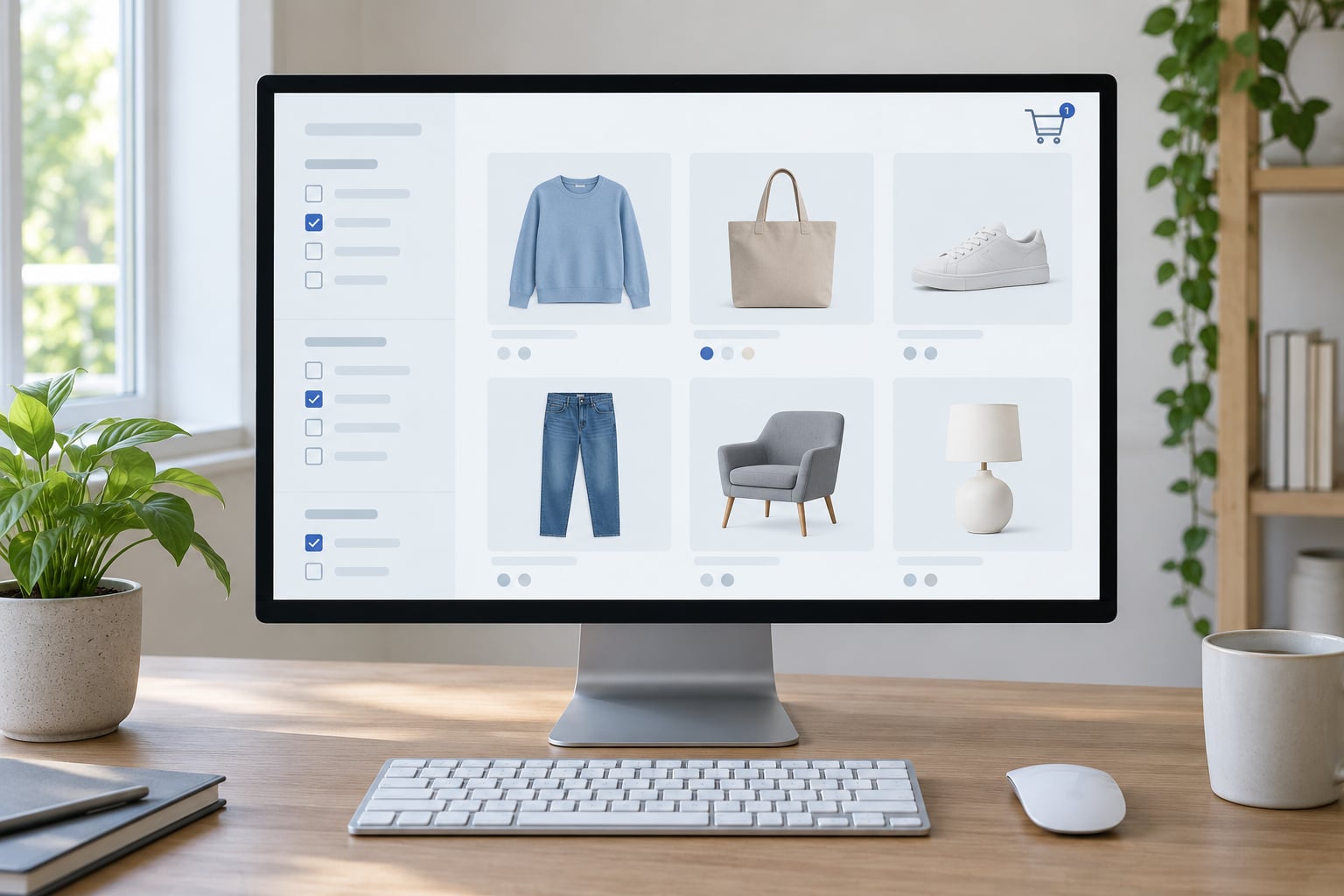
Search filters are choice architecture, not navigation. Every time a shopper ticks a box on a product listing, the visible set shrinks and the remaining products start to look like the sensible options, whether or not that matches what the shopper wanted in the first place.
That makes how search filters shape online product choice a question about psychology as much as about interfaces. The mechanics are simple enough to explain in a sentence. The consequences for a decision are not, and almost nobody writes about the second part.
This guide covers both sides. Shoppers get a way to read a filter panel critically, including what a narrowed result set is quietly telling them. Merchandisers and researchers get an account of the mechanisms, the failure modes and the methods that can actually measure the effect.
Table of Contents
- What Are Search Filters, and Why Do They Matter?
- Filters, sorting and the search box do three different jobs
- The four jobs a filter does
- How Search Filters Shape Online Product Choice
- How search filters shape online product choice in one query
- The five steps of a typical filter interaction
- What each filter type actually removes
- What Psychological Effects Do Filters Create?
- Lower cognitive load
- Anchoring
- Confirmation bias
- Perceived control
- Choice overload and filter fatigue
- Attribute substitution
- How Do Shoppers Actually Use Product Filters?
- Which Filter Features Help or Hurt Product Choice?
- What Can Brands and Retailers Do Better?
- How Can Researchers Measure the Impact of Filters?
- Frequently Asked Questions
- Do search filters make shoppers buy more?
- How many filters are too many for online shopping?
- What is the difference between filters and sorting?
- Can recommended or personalized filters bias product choice?
- How can a business test whether its filters are helping?
- Why do product results feel narrower after I use a filter?
- What Should You Do First?
What Are Search Filters, and Why Do They Matter?
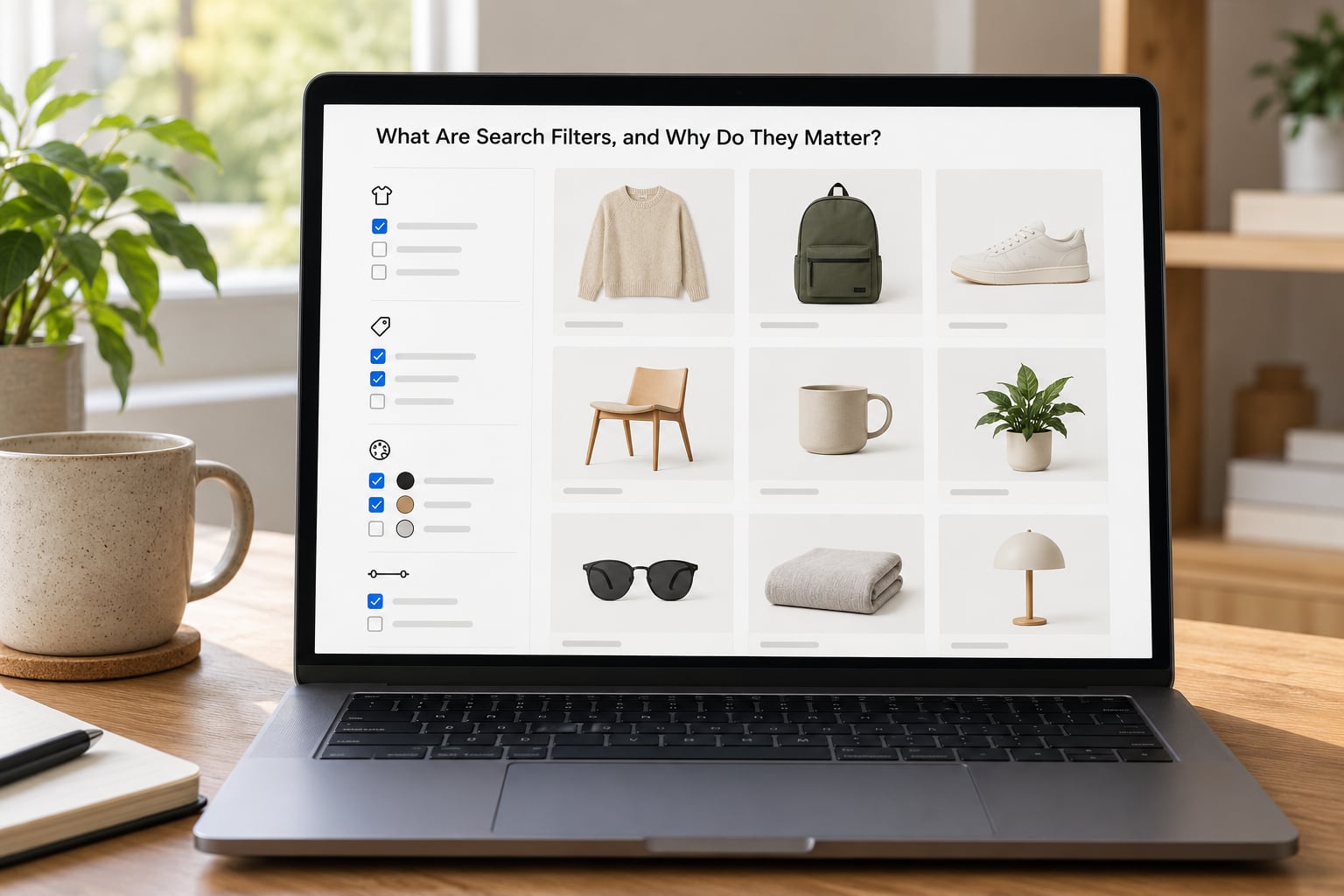
A search filter is a control that narrows a product listing by matching products against a structured attribute. Price, brand, size, rating, colour, material and category-specific traits such as waterproofing or wattage are all filterable. Ticking a box adds a condition to the query, the result set shrinks, and the platform re-ranks whatever survives.
That last part is the one people miss. Filtering does not just remove options, it changes the order and prominence of the ones that remain. Two shoppers looking for the same thing can end up at different products because they used different filters, and neither of them was shown the alternative the other one saw.
Filters, sorting and the search box do three different jobs
A query is a description. You type “waterproof hiking boots” and the system tries to find pages matching those words. A sort is a ranking instruction. You take the same result set and ask for lowest price first, or best rated, or newest. A filter is a hard condition. Nothing that fails it appears at all, regardless of how well it matches everything else.
Sorting reorders a set. Filtering changes membership of the set. Once you understand that distinction, most of the odd behaviour people report online makes sense, including the feeling that a search got worse after you “just refined it”.
The four jobs a filter does
- Narrow: cut a large catalogue down to a workable size.
- Sort: impose an explicit order on what remains.
- Qualify: rule out products that do not meet a hard requirement.
- Expose: make an attribute visible that was previously invisible.
That fourth job is where filters quietly do the most damage. A filter list is a declaration of what the retailer believes is worth choosing between. If a store offers size but not sleeve length, the sleeve length question is not answered anywhere on the page, and shoppers quietly accept that the store does not care about it.
How Search Filters Shape Online Product Choice
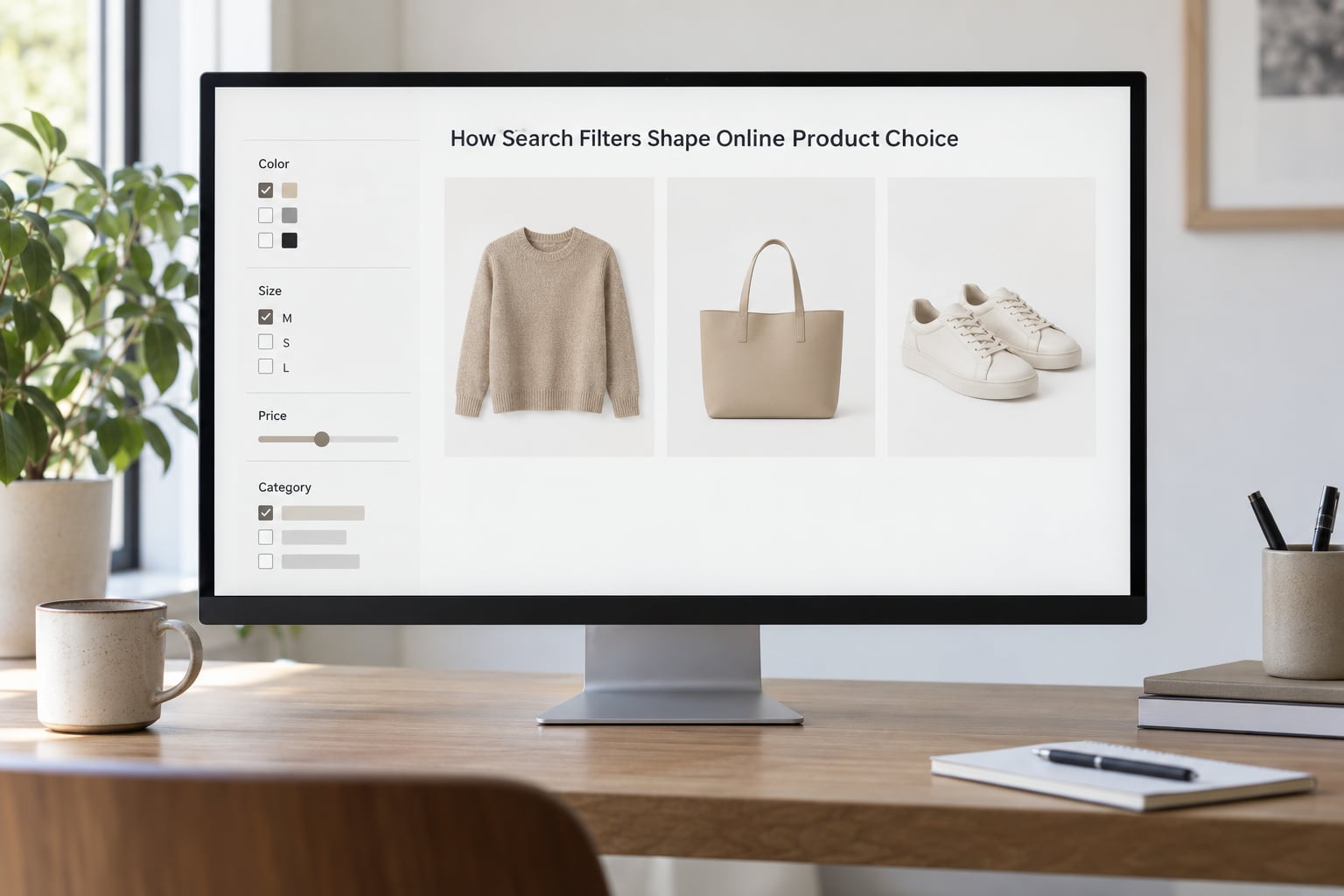
The pathway is consistent across categories even though the attributes differ. A shopper arrives with a query or a category page, sees a default state, notices a subset of controls, uses some of them, and commits to a product. Along the way, certain attributes become mentally important and others drop away.
How search filters shape online product choice in one query
Imagine a shopper searching for running shoes on a large sports retailer. The unfiltered page shows several hundred products in a relevance order dominated by sponsored placements and high-volume listings. The shopper has no way to tell which are good, which are irrelevant, and which are the same product in a different colourway.
Now apply a price filter. The list collapses to a few dozen. Critically, the surviving set is no longer a neutral sample of the catalogue, because the platform also drops items that had no listing in that band, and it re-ranks the rest. The shopper is now comparing a curated-by-constraint group, and a different price band would have produced a different group with its own internal winner.
Apply a brand filter on top and the set gets narrower again, but the psychological effect changes direction. Instead of reducing effort, the brand filter starts to signal something, and the shopper starts filtering for reasons the retailer never intended.
The five steps of a typical filter interaction
- Arrive: a query, a category page or a link, usually with whatever defaults the retailer set.
- Survey: the shopper scans facet groups, and usually only the top two or three.
- Select: one or two conditions, often a price band, then a size or a rating.
- Re-read: the shopper compares the survivors, often comparing far fewer products than the page initially implied.
- Commit: buy, abandon, or clear the filters and start again.
Step five is where most sites lose people. Clearing a filter and having the full grid return, with the shopper’s earlier scroll position and shortlist gone, is a small punishment that feels much larger at the moment it happens.
What each filter type actually removes
| Filter type | What it narrows | What it removes | What it biases toward |
|---|---|---|---|
| Price band | The monetary range considered | Everything above or below the band, including cheaper or better-value options | The middle of the shopper’s budget, and anchoring on whatever appears at the top of the narrowed grid |
| Brand | The set of companies in play | Strong products from unfamiliar or smaller brands | Familiarity and perceived safety over independent quality |
| Size or fit | Products that fit the shopper | Anything in an unstocked or ambiguous size | The single stocked option, which can mean paying more than planned |
| Customer rating | The minimum social proof | New products and niche items with few reviews | Consensus, which suppresses genuinely differentiated options |
| Availability | What can be obtained now | Items the shopper would happily have waited for | Urgency, and an assumption that what is available now is what is best |
| Colour | The visual variant | All other variants of the same product | A single design decision made early, before any comparison of quality |
| Category attributes | Technical suitability | Products that do not have the attribute recorded, regardless of whether they actually do it | Whatever the catalogue is good at describing, which is not always what the shopper needs |
Read down the middle column and the pattern is obvious. There is no neutral filter. Each one has an elimination cost, and the shopper rarely sees the bill because nothing tells them what was removed, only what remains.
The same filter does very different work in different categories. A waterproofing filter on hiking boots is nearly always a genuine requirement, so filtering by it produces a better decision. A colour filter on a gift, where the shopper does not yet know what the recipient likes, removes options on the basis of a decision nobody has made yet. Practitioners reading search logs often treat a facet that reliably empties out as a merchandising failure rather than a search failure: shoppers are asking for something the catalogue does not carry.
What Psychological Effects Do Filters Create?
Filters cut both ways. They remove effort and they remove alternatives, and those two things pull in opposite directions.
Lower cognitive load
Comparing forty products on twelve dimensions is genuinely hard work. Filtering to six products on four dimensions is not. Most shoppers experience a filter panel as a kindness precisely because it shrinks a comparison nobody wanted to make. This is the clearest positive effect and the one most filter design gets right.
Anchoring
Price filters create reference points. After a shopper sets a band of 50 to 80, a product at the top of that band reads as reasonable rather than expensive, and the same product seen in the unfiltered grid reads as a splurge. The surviving set changes willingness to pay, which is why a filtered grid can convert better and still be the more expensive grid per order.
Confirmation bias
Once a shopper ticks “waterproof”, every visible card gets read as waterproof, and the reasoning stops. Filters supply the justification, which means the shopper feels more confident without having checked anything. The same mechanism works in reverse, where a filter the shopper regrets becomes harder to remove than it was to apply.
Perceived control
Ticking a box feels like agency, and agency feels like competence. This is why shoppers report that a site “listened” to them when a facet narrowed the grid correctly, and why an empty result feels like a personal slight rather than a catalogue gap.
Choice overload and filter fatigue
The cost side of the trade-off. A wall of forty undifferentiated checkboxes raises cognitive load rather than lowering it, and shoppers respond by ignoring the panel and scrolling. That is not disobedience, it is a rational response to an interface that asks for a decision it has not earned. The same shopper who gives up on a filter panel will happily use a search box, because a query asks for one thing and a facet list asks for a choice among forty.
Attribute substitution
When a filter a shopper wanted is missing, they use the nearest one available. A shopper who cannot filter on material will filter on brand, then treat the brand as a proxy for quality. The attribute the retailer left out does not disappear; it gets replaced by something less accurate.
How Do Shoppers Actually Use Product Filters?
Four patterns cover most behaviour, and the mix depends heavily on category, device and how familiar the shopper is with the retailer.
Decisive filtering. A shopper who knows exactly what they want, usually a repeat buyer or someone replacing a known item, opens the panel, sets a size and a price band, and buys. Filters here are a form of form-filling, and every additional option is friction.
Browsing-assisted filtering. A shopper with a vague brief uses filters as a way to discover what exists. Brand and category attributes get used as questions, not constraints: what types are there, what is in this price range, who else makes this.
Backtracking. The shopper filters, dislikes the survivors, removes a condition, and re-evaluates. This is the most informative behaviour for a retailer and the most commonly instrumented badly, because analysts count the removal as a failure rather than as the second half of a two-step search.
Abandonment. The panel is too dense, or the shopper is on a phone where the facets sit behind a drawer, or the first combination returns nothing. The shopper leaves with products still visible. From the outside this looks like a filter failure; from the inside it is usually a device problem.
Mobile is the real stress test. The same facet list that reads as a useful sidebar on a desktop becomes a scroll-heavy drawer with a save button at the bottom, and the shopper’s cost calculation changes completely.
Which Filter Features Help or Hurt Product Choice?
A handful of features separate a panel that improves a decision from one that degrades it.
What helps: accurate counts beside every option that update live; a clear-all control that is always visible; labels a shopper can read without decoding; relevant options only, drawn from the category rather than a global template; sensible defaults, including sensible default prices that include the affordable end of the catalogue; and honest handling of a facet with no matches, which should say so rather than disappear.
What hurts: pre-applied filters the shopper did not choose; sponsored placements inside a facet that look identical to organic ones; duplicate taxonomies, such as a numeric size scale and a named scale, that make the eliminated set impossible to reason about; facet lists that stay fully expanded after filtering so the counts stop being trustworthy; and a filter set that is identical across every category, which tells an expert buyer the retailer has not modelled their own inventory.
Shoppers read the filter list as evidence of whether the retailer knows its own catalogue. A panel with sensible, populated, category-specific attributes signals a well-run shop. A panel full of filters that return nothing signals the opposite, and that impression survives the purchase.
The trust signals that matter most are unglamorous: an honest number, a live update, and a one-click way back.
What Can Brands and Retailers Do Better?
Most filter problems are data problems wearing a design costume. A facet that returns the wrong count is usually a catalogue that records the same attribute twice under different names.
Start with the feed. Attributes that are inconsistently populated produce filters that look available and behave arbitrarily, and shoppers read that as carelessness. Measure how often a shopper selects an option and then clears it within a few seconds, because that pattern means the filter answered a question the shopper did not have.
On taxonomy, build from what shoppers ask for rather than from what the product team organises by. The same catalogue needs a different facet set for a professional buyer than for a gift shopper, and one shared list usually serves neither.
On ordering and defaults, the first facet in a list gets used and the rest get skimmed. Put the attribute that eliminates the most unusable products first, and treat any pre-applied filter as a decision that needs a justification and a visible undo.
On measurement, resist reporting filter usage as a single engagement number. The more useful cuts are which filters precede a purchase, which precede an exit, and which are cleared without any product click at all.
How Can Researchers Measure the Impact of Filters?
Because the effect is an elimination, the cleanest studies compare a filtered state against an unfiltered one rather than surveying intentions after the fact.
- Filtered versus unfiltered comparison. Show comparable shoppers the same category with facets hidden, then with facets available, and compare the chosen product, the number of products compared and the time to decision.
- Search-log analysis. Reconstruct the sequence of selections from raw query logs to see which filters are applied, in what order, and which are immediately cleared.
- Conjunctive analysis. Use a choice-based method such as conjoint or discrete choice to estimate the relative contribution of each attribute, including the ones a retailer believes are secondary.
- Clickstream and attention data. Check what shoppers looked at before and after each filter, and where the eye went first, which distinguishes filters that narrowed the search from filters that merely scrolled a list.
- Controlled usability tests. Task-based sessions with think-aloud, run on both desktop and mobile, which is where the drawer problem shows up.
- Field experiments on defaults. Changing only the order or the pre-applied state of a panel isolates framing effects from genuine narrowing.
Each method has a limit worth stating. Search logs describe behaviour but not the reason for it. Conjoint forces attributes into a simplified structure and tends to over-report what people say they care about. Eye tracking shows attention, not evaluation, and a shopper can look at a product and reject it instantly. Surveys are the weakest of the group here, because asking someone to recall what narrowed their choice invites them to construct a plausible answer after the fact.
The gap most worth closing is between what filters eliminate and what shoppers would have chosen. That requires holding the eliminated set visible to the analyst, which no standard interface provides and which is the main reason published filter research so often stops at click counts.
Frequently Asked Questions
Do search filters make shoppers buy more?
They usually help shoppers reach a purchase they would have struggled to find, because filtering cuts comparison work. But the effect depends on the filter set. Facets that match real attributes raise completion, while filters that return thin or misleading sets push people back out of the panel entirely. Measure which filters precede a purchase and which precede an exit rather than assuming all filtering is productive.
How many filters are too many for online shopping?
There is no useful number on its own, because what matters is the number a shopper must read through, not the number the retailer built. A wall of undifferentiated checkboxes on one screen is already too much on a phone. A better test is whether each option would eliminate products the shopper would otherwise have to consider. Options that do not are clutter regardless of how useful they are in theory.
What is the difference between filters and sorting?
Sorting reorders the results that are already there, for example cheapest first or best rated first. Filtering changes which results exist by applying a hard condition, so anything that fails it disappears. Because a filter removes options rather than rearranging them, a filtered page is a different set of products and can produce a different winner than the same query sorted a different way.
Can recommended or personalized filters bias product choice?
Yes, and the bias is easy to miss because it feels helpful. Suggested facets are chosen by whoever built the taxonomy, and personalised defaults are chosen by the retailer. Both shape the consideration set before the shopper has formed a preference, so they behave like defaults everywhere else. A defensible version makes the recommendation visible and gives the shopper a one-click way to clear it.
How can a business test whether its filters are helping?
Run a field experiment that hides or reorders the facet panel and compare completion, products compared and time to decision. In log analysis, track which filters precede a purchase against which precede an exit, and watch for selections cleared within seconds with no product click, which signal a filter that answered the wrong question. Report filters individually rather than as a single usage number.
Why do product results feel narrower after I use a filter?
Because the filter is doing more than tidying the page. It removes every product that fails the condition, then re-ranks what is left, so the surviving set looks more like a shortlist even though nobody chose it. If the count drops more than you expected, check for an overlapping or pre-applied condition. A large unexplained drop usually means two filters are fighting each other.
What Should You Do First?
Pick one shopper task that matters, such as finding a replacement in a specific size or choosing between two models, and check whether the current filter set makes that task easier or harder. Then remove the options that add reading effort without eliminating anything the shopper would have had to consider anyway.
The rest follows. Every filter is an elimination, the eliminated set is invisible, and the surviving set quietly becomes the shortlist. Filters built around the attribute a shopper is actually trying to decide on help. Everything else is architecture pointed at the purchase.